

BlendShape Changes
This feature changes BlendShape values on a selected mesh when the current item is enabled.
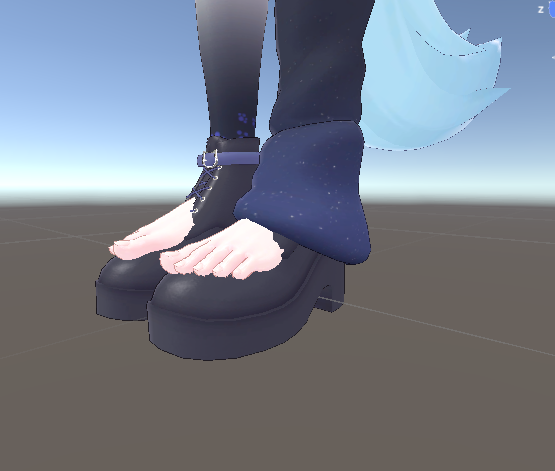
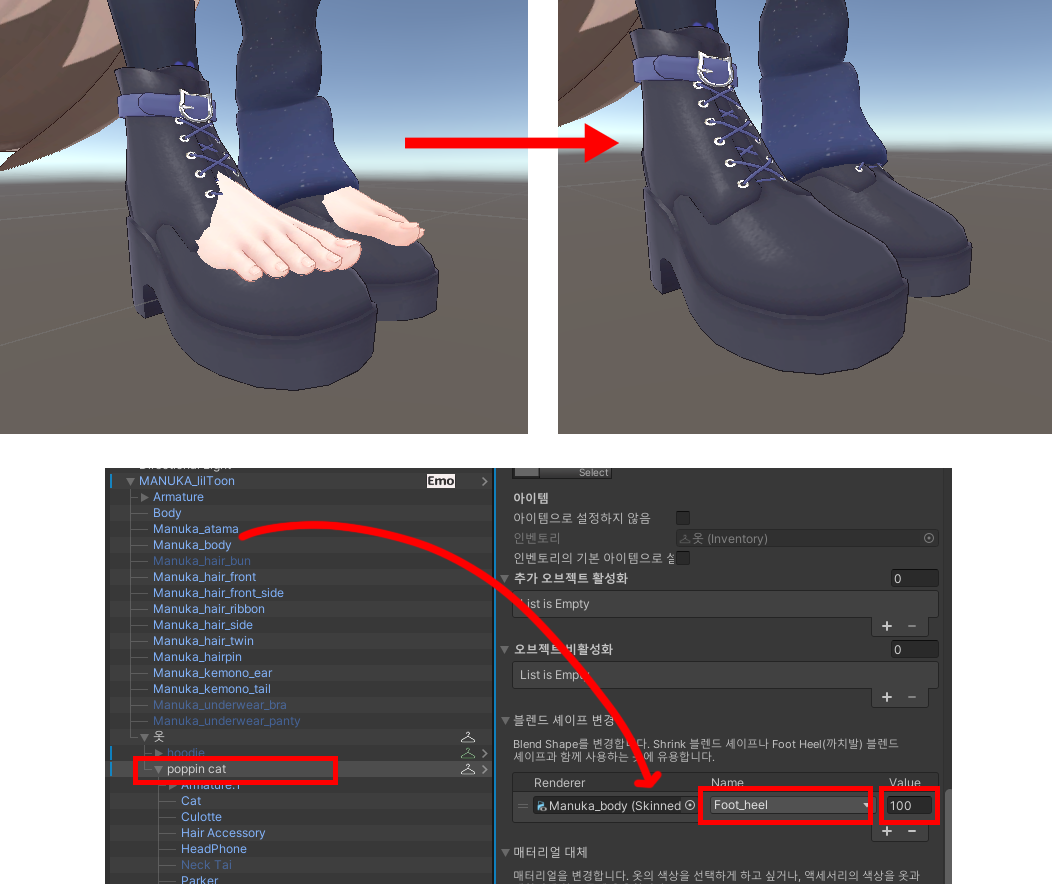
For example, when a shoe item is enabled, you can set Foot_heel to 100 to correct the heel pose.
In the default state (no item selected), it is common to keep that BlendShape value at 0.
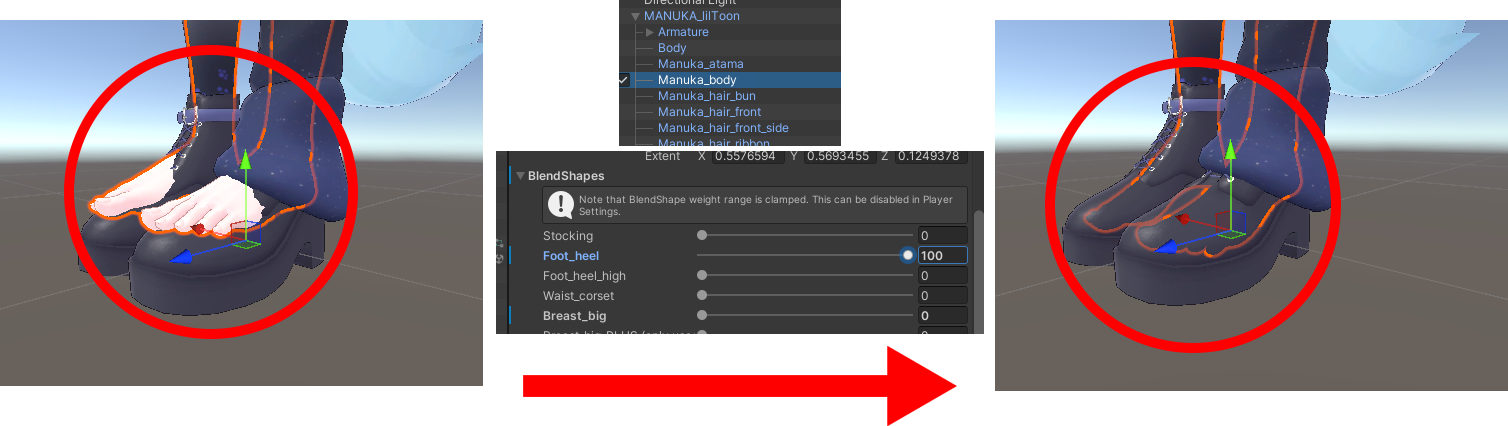
In the item's [Inventory] component, set the target mesh, BlendShape name, and value.
Last updated