

Advanced Features
This section explains One Click Inventory advanced features by topic.
If you are not familiar with the basic workflow, check Create a Basic Wardrobe first.
Overview
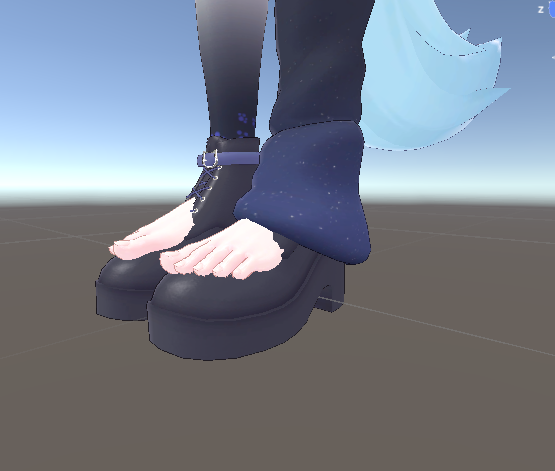
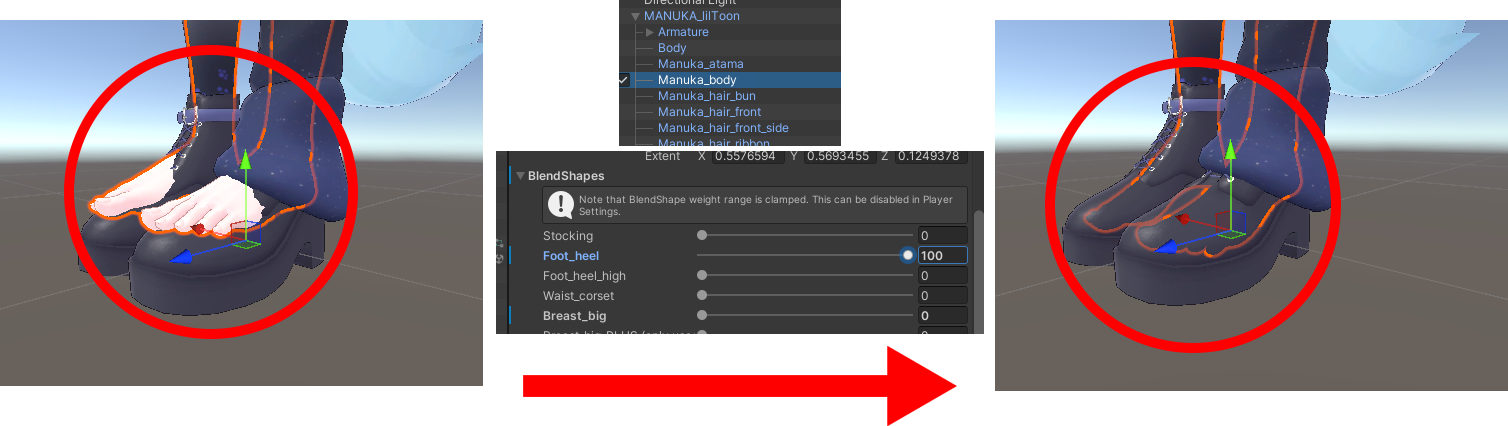
The basic setup is enough for most wardrobes, but some outfits need extra configuration. For example, if feet clip through shoes, you may need BlendShape adjustments.
You can find setup instructions for each feature in the pages below:
All changes are automatically restored to their original state when you switch to another item.
However, restoration can fail when Write Defaults is OFF, so ON is recommended.
Last updated